Appearance
集成Vue
Vue 是目前流行的前端框架,有大量的开源库资源可以使用。活字格可以使用Vue开发单元格插件,达到事半功倍的效果。
我们从最简单的Vue例子开始
活字格自带了Vue3的运行时环境,所以开发 Vue 单元格插件不需要引用 Vue 的 js。只需要声明DependenceRuntimeModule 即可,C# 端代码如下
C# 代码如下
csharp
using GrapeCity.Forguncy.CellTypes;
using GrapeCity.Forguncy.Plugin;

namespace MyPlugin
{
    [DependenceRuntimeModule("vue3")]
    public class MyPluginCellType : CellType
    {
        public string Label { get; set; } = "点击次数为";
    }
}
JavaScript 代码如下
javascript
class MyPluginCellType extends Forguncy.Plugin.CellTypeBase {
    createContent() {
        this.content = $("<div/>");
        return this.content;
    }
    onPageLoaded() {
        const uid = "uid-" + new Date().valueOf();
        const self = this;
        this.content.attr("id", uid);
        const option = {
            template:
`<div id="app">
  <button @click="count++">
    {{label}} : {{ count }}
  </button>
</div>`,
            data() {
                return {
                    count: 0,
                    label: self.CellElement.CellType.Label
                }
            }
        };
        this.vueApp = Vue.createApp(option);
        this.vueApp.mount(`#${uid}`);
    }
}
Forguncy.Plugin.CellTypeHelper.registerCellType("MyPlugin.MyPluginCellType, MyPlugin", MyPluginCellType);
代码详解
- 在 createContent 只需要创建一个空 div 作为 Vue 组件的容器
- 具体的处理逻辑要写在 onPageLoaded 函数中,因为 Vue 组件要求容器 div 必须已经挂载到Dom 树中。
- 代码第7,8行,生成一个唯一的 Id,并把Id设置到容器上,因为 VueApp 的 mount 方法必须提供一个Id
- 第10行开始,构建一个option 对象,vue 组件的设置都会写到 option 对象中。最重要的属性就是 template属性和 data 属性。 template 属性用于变形 Vue 的模板,可以使用 `` 符号包裹多行模板字符串。
- data 必须是一个函数,返回一个Json对象,对象上的属性可以直接和模板中的属性绑定。data 对象上的属性可以是静态值,也可以是活字格的属性。
- 最后,通过 Vue.createApp 方法,创建一个Vue 的App
- 通过 vueApp 的 mount 方法把 vueApp 的单元格的容器Dom 绑定。
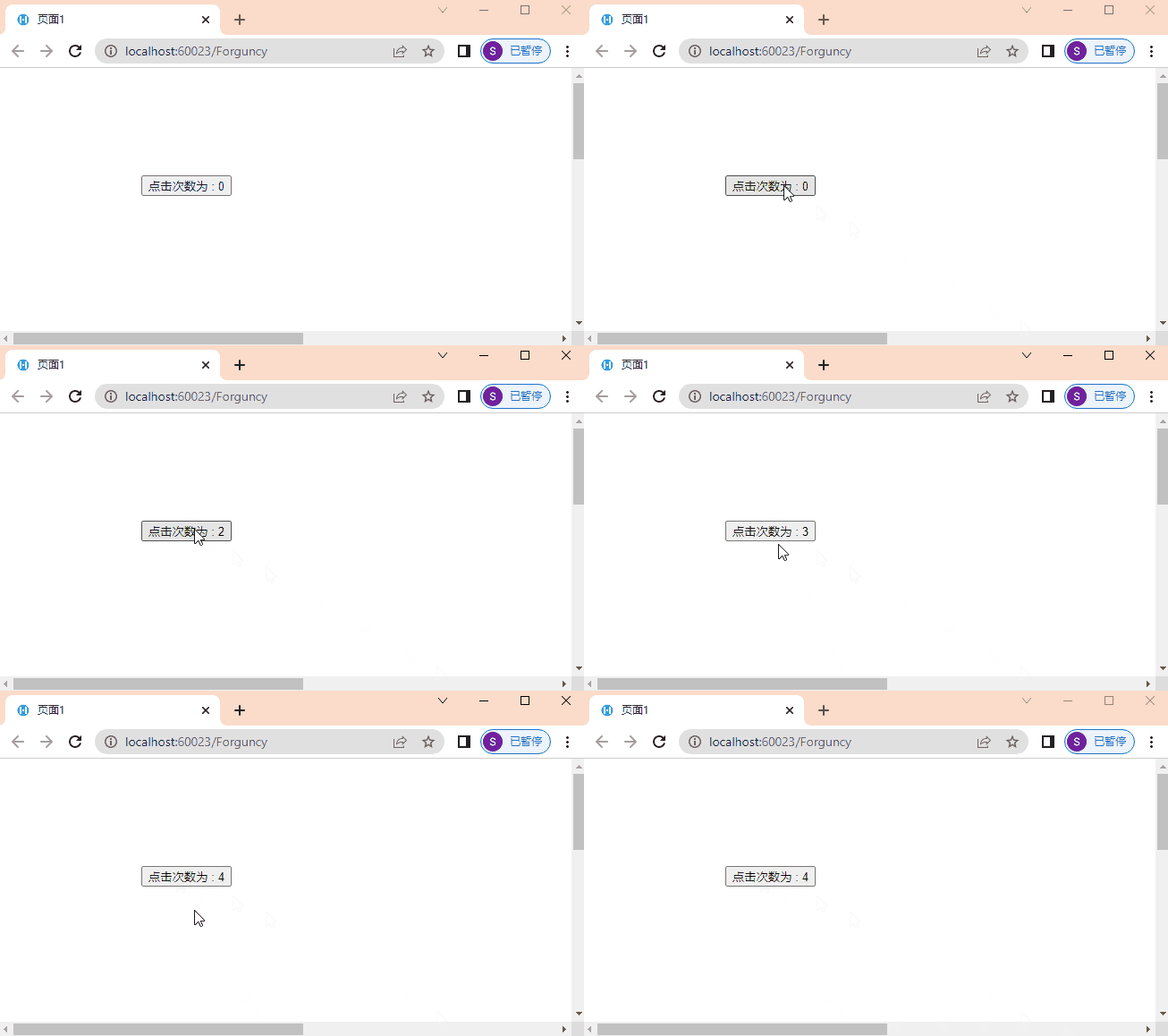
运行时效果如下
更新: 2023-11-10 14:23:47
原文: https://www.yuque.com/robert-bh51n/ea8l6c/gy1tg7ci6d5pptwt