Appearance
字符串属性
默认情况下,如果一个属性的类型是 string 那么这个属性会被自动识别为字符串属性,不需要做任何额外的事情
csharp
    public class MyPluginCellType : CellType
    {
        public string MyProperty { get; set; }
    }
在设计器中效果如下
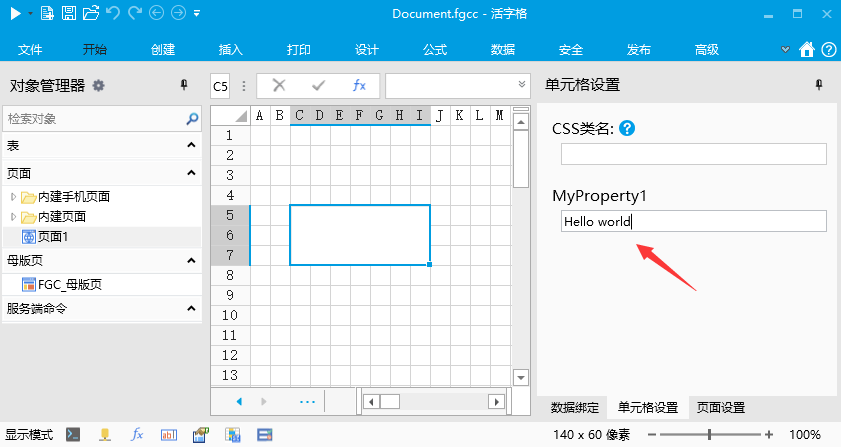
如果需要更细致的控制,需要使用 TextPropertyAttribute 标注来控制
注意,标注TextPropertyAttribute的属性类型必须是 string
- 添加水印
- 设置TextPropertyAttribute 的 Watermark 属性
- 代码
csharp
    public class MyPluginCellType : CellType
    {
        [TextProperty(Watermark = "请输入名称...")]
        public string MyProperty { get; set; }
    }
3. 效果
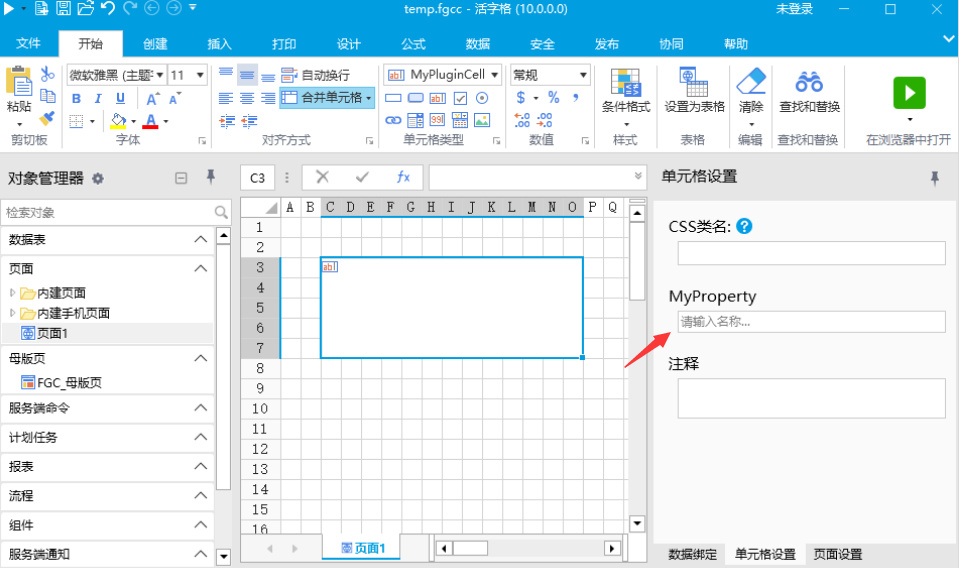 4. 本特性要求活字格版本大于等于10.0.0.0 2. 支持输入多行文本 1. 设置TextPropertyAttribute 的 AcceptsReturn 属性 2. 代码
csharp
    public class MyPluginCellType : CellType
    {
        [TextProperty(AcceptsReturn = true)]
        public string MyProperty { get; set; }
    }
3. 效果
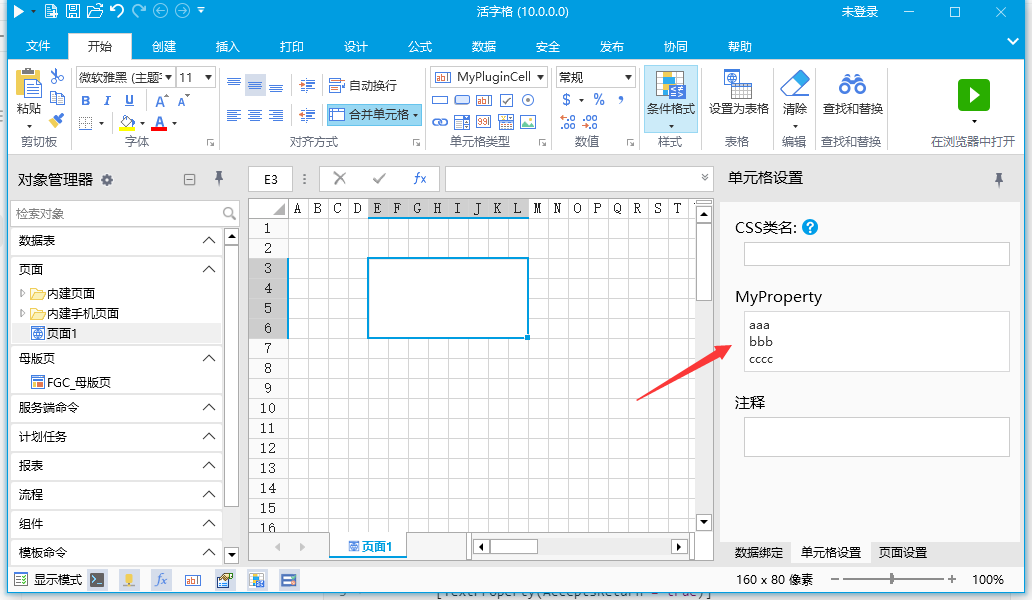 4. 本特性要求活字格版本大于等于10.0.0.0 3. 支持多语言功能 1. 设置TextPropertyAttribute 的 CanSelectResource 属性 2. 代码
csharp
    public class MyPluginCellType : CellType
    {
        [TextProperty(CanSelectResource = true)]
        public string MyProperty { get; set; }
    }
3. JavaScript 代码
javascript
class MyPluginCellType extends Forguncy.Plugin.CellTypeBase {
    createContent() {
        var cellParam = this.CellElement.CellType;
        // 通过代码 this.getApplicationResource(cellParam.MyProperty) 可以获取当前语言对应的值
        const propValue = this.getApplicationResource(cellParam.MyProperty);
        const div = $("<div>" + propValue + "<div>");
        return div;
    }
}
Forguncy.Plugin.CellTypeHelper.registerCellType("MyPlugin.MyPluginCellType, MyPlugin", MyPluginCellType);
WARNING
this.getApplicationResource(key) 可以在多语言情况下把key替换为当前语言的字符串,在非多语言环境下,会返回原始的key字符串。
4. 效果
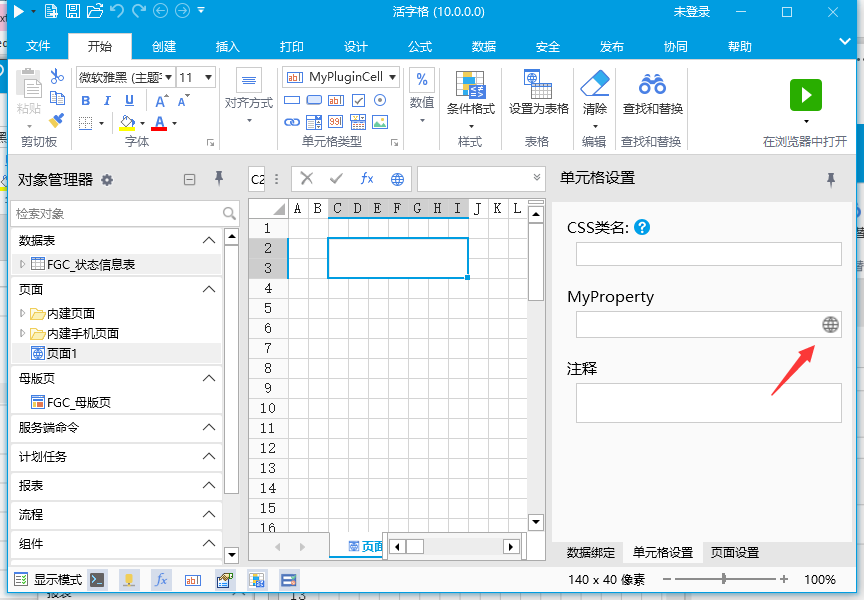 5. 本特性要求活字格版本大于等于10.0.0.0,并开启了多语言功能
更新: 2024-03-27 08:50:11
原文: https://www.yuque.com/robert-bh51n/ea8l6c/sp8b7i3rp33presz